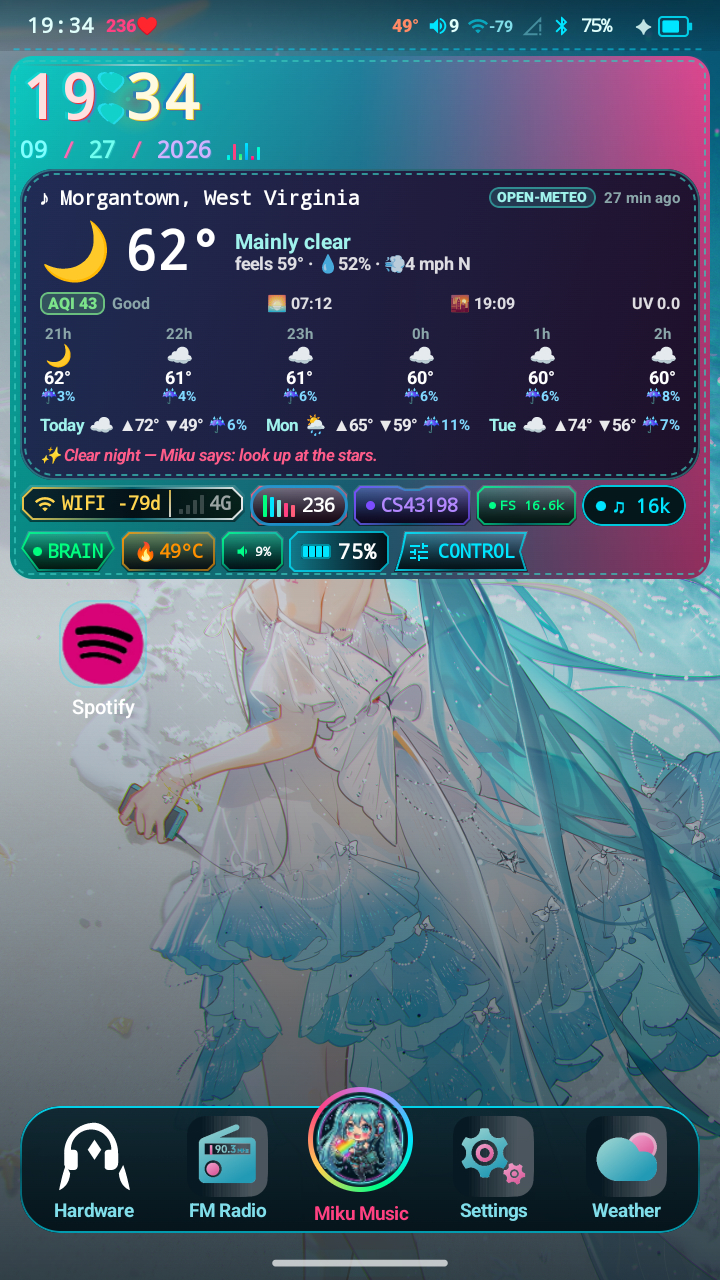
MikuOS

For the HiBy Digital M500 x Hatsune Miku

MikuOS

A platform-signed Android 14 replacement for the M500. It plays local files straight to the device's dual Cirrus Logic CS43198 DACs with no resampling and no mixer in the path, and it does not display a number it did not measure.

Work in progress, and help is wanted. This is one person and one device. Issues and pull requests are welcome at both repos, and the list of what would help most is further down.

GPL-3.0-or-later. By sworrl. Not affiliated with HiBy Digital or Crypton Future Media.

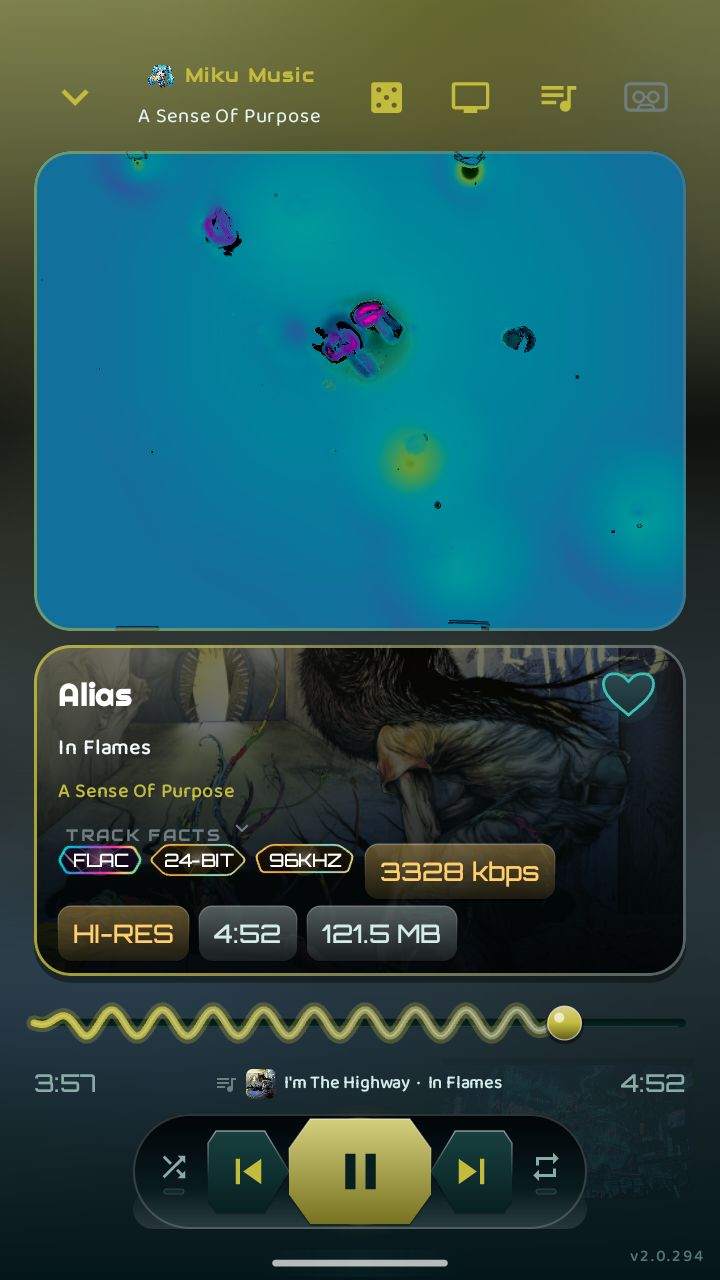
Miku Music Now Playing during a 24-bit 96 kHz FLAC: FLAC, 24-BIT, 96KHZ, 3328 kbps and HI-RES badges
Now Playing during a 24-bit / 96 kHz FLAC. Every badge on that screen is read from the file.

Why it exists

The M500 is very good audio hardware running software that gets in its way. Stock firmware routes music through Android's mixer, so a 44.1 kHz file is resampled to whatever the mixer happens to be running at before it reaches a pair of DACs chosen specifically for not needing that.

None of that is a hardware limit. All of it is fixable. The fix is to replace the software rather than patch around it.

And the other reason

Audio apps lie constantly. They show a bit depth taken from a filename, a sample rate that is the mixer's and not the file's, a BPM invented from the title, an EQ curve connected to nothing.

MikuOS shows a dash where it does not know. The house rule for contributors is short: never display a value you did not measure.

The proof, captured on the device

This is a live dumpsys media.audio_flinger taken while the Now Playing screenshot above was on screen. The raw capture is in the repo and here.

Output thread 0xb400007846c31840, name AudioOut_14D, tid 25861, type 1 (DIRECT):
  Sample rate: 96000 Hz
  HAL format: 0x6 (AUDIO_FORMAT_PCM_24_BIT_PACKED)
  Channel count: 2
  Processing format: 0x6 (AUDIO_FORMAT_PCM_24_BIT_PACKED)
  AudioStreamOut: flags 0x1 (AUDIO_OUTPUT_FLAG_DIRECT)
  Output devices: 0x8 (AUDIO_DEVICE_OUT_WIRED_HEADPHONE)

DIRECT, not MIXER

The track goes to the DAC on its own output thread. Android's mixer never touches it.

The file's rate

96,000 Hz is the file's sample rate, not whatever the mixer was running at. It changes with every track.

Integer end to end

24-bit packed from the file to the DAC. No float conversion, no dither, nothing in between.

The bug that hid it for months, if you write audio code for Android

Android's AudioTrack.Builder.build() quietly adds FLAG_DEEP_BUFFER when the requested buffer is around 100 ms or larger, and Qualcomm's policy manager only routes to the direct_pcm profile when the flags are NONE. So asking for a comfortable buffer silently opts you out of direct output. The custom sink asks for a buffer under that threshold on purpose.

It then clamped that small buffer with max(getAudioTrackMinBufferSize(), threshold). On this device the platform minimum is about double the threshold, so the max always won, every track was deep-buffered onto a 192 kHz mixer, and the app reported bit-perfect the whole time. Fixed 2026-09-17. If you are writing a direct output sink for any Android device, that is the trap.
Screens

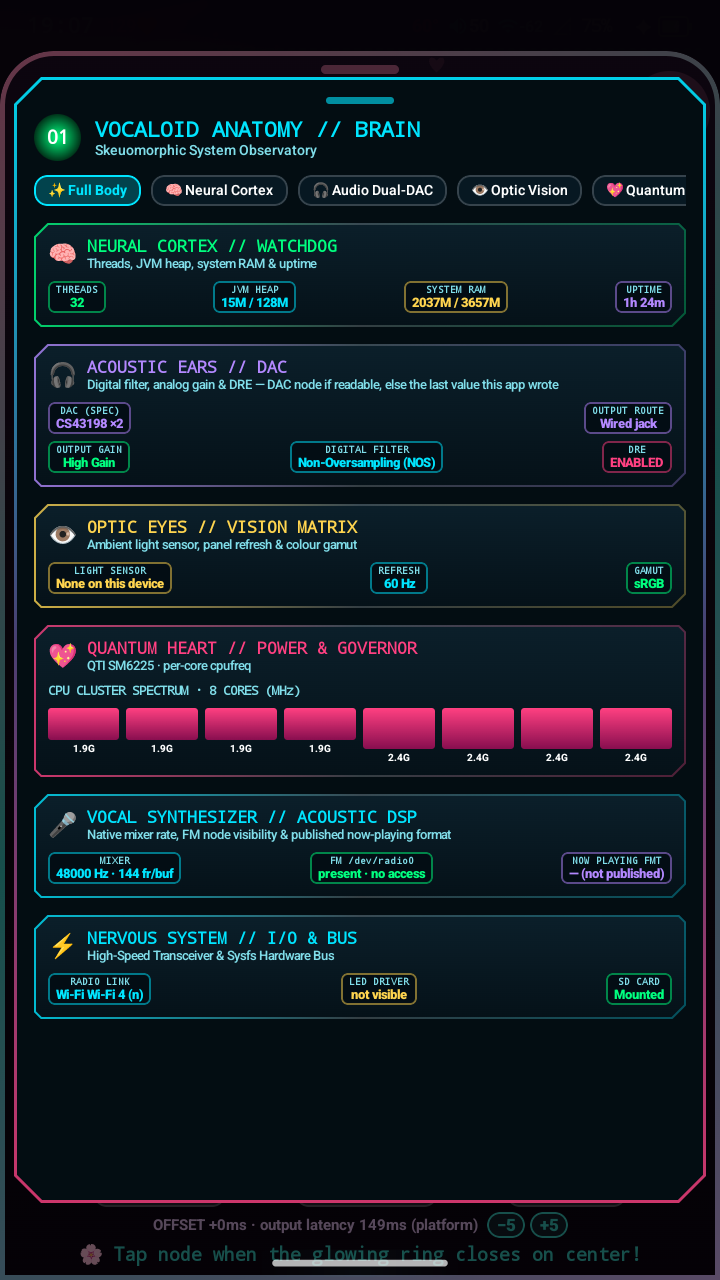
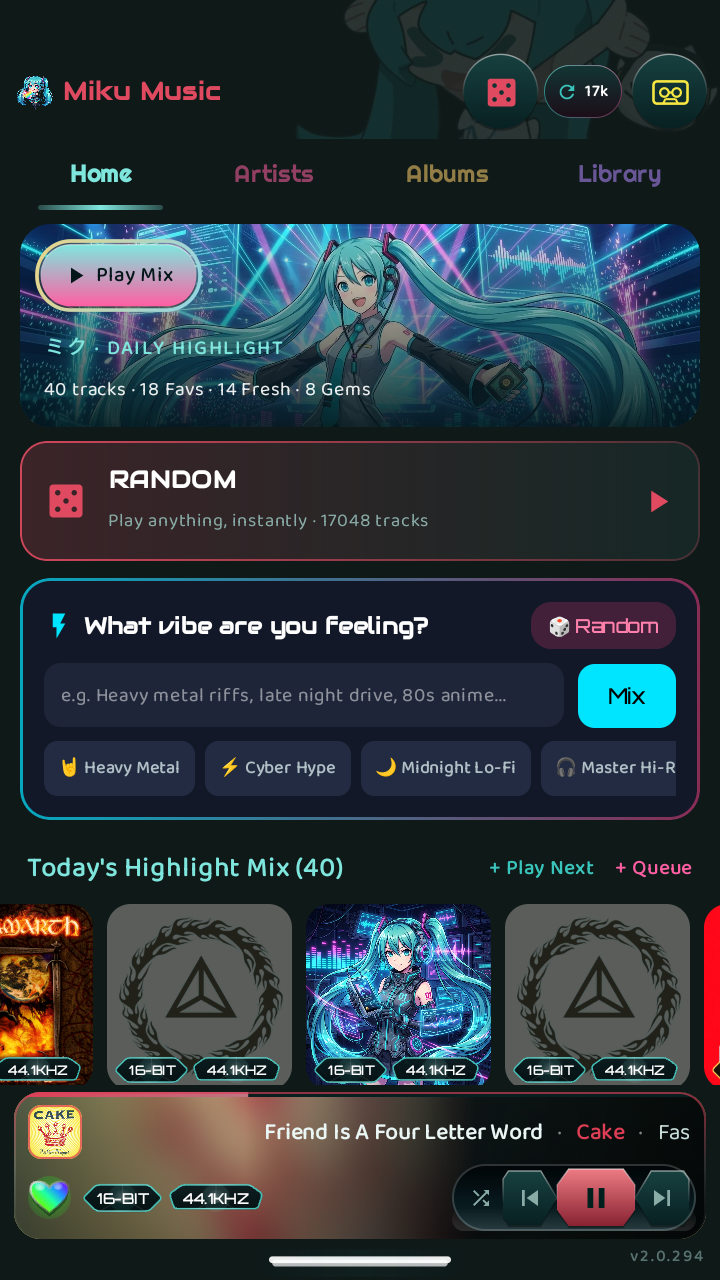
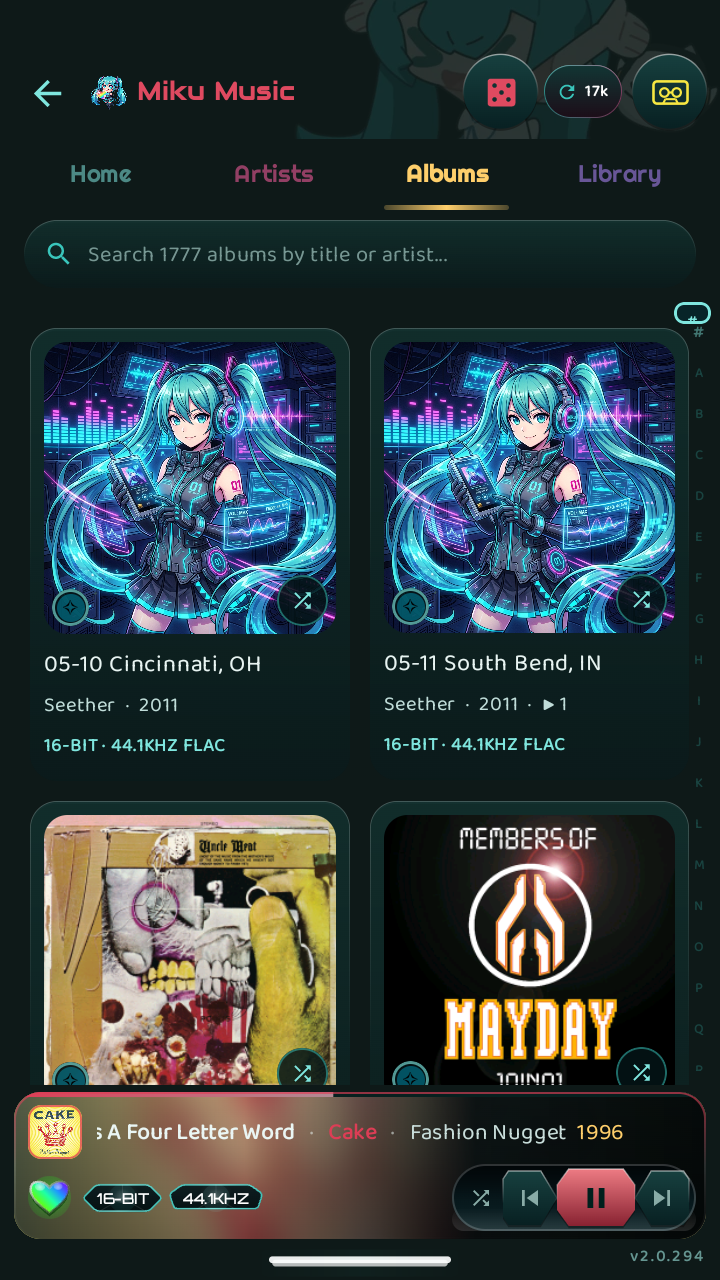
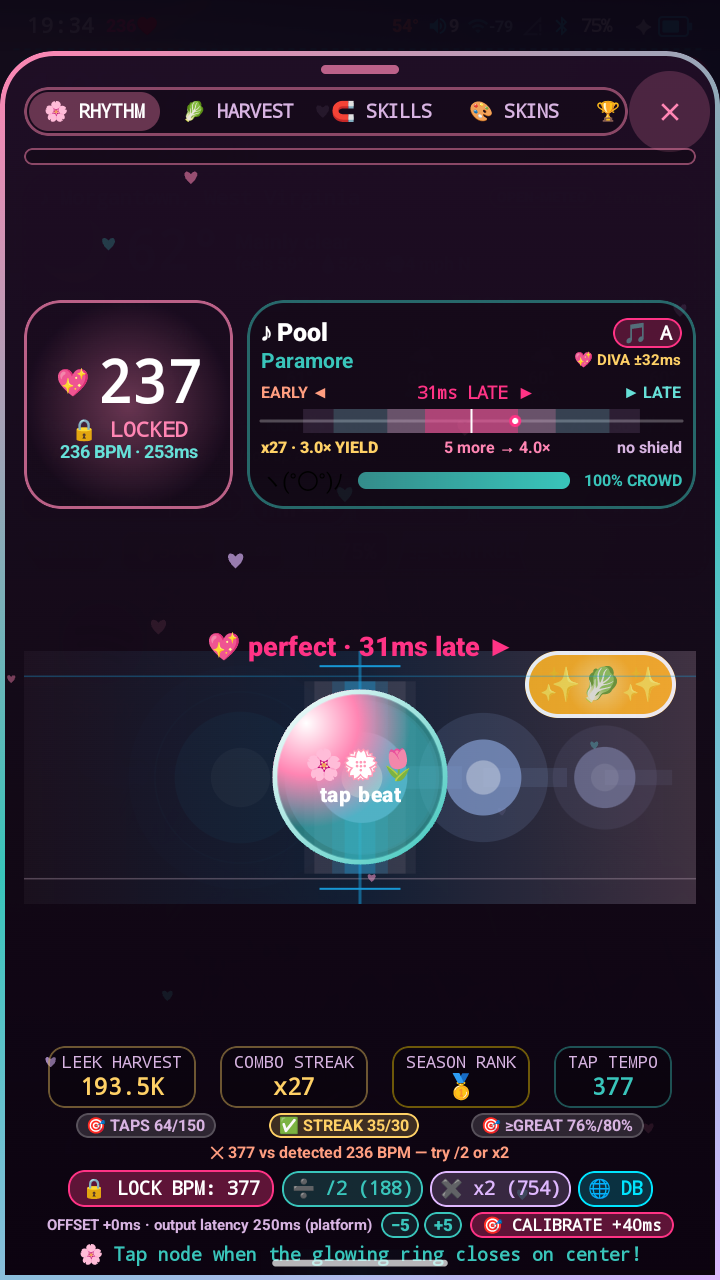
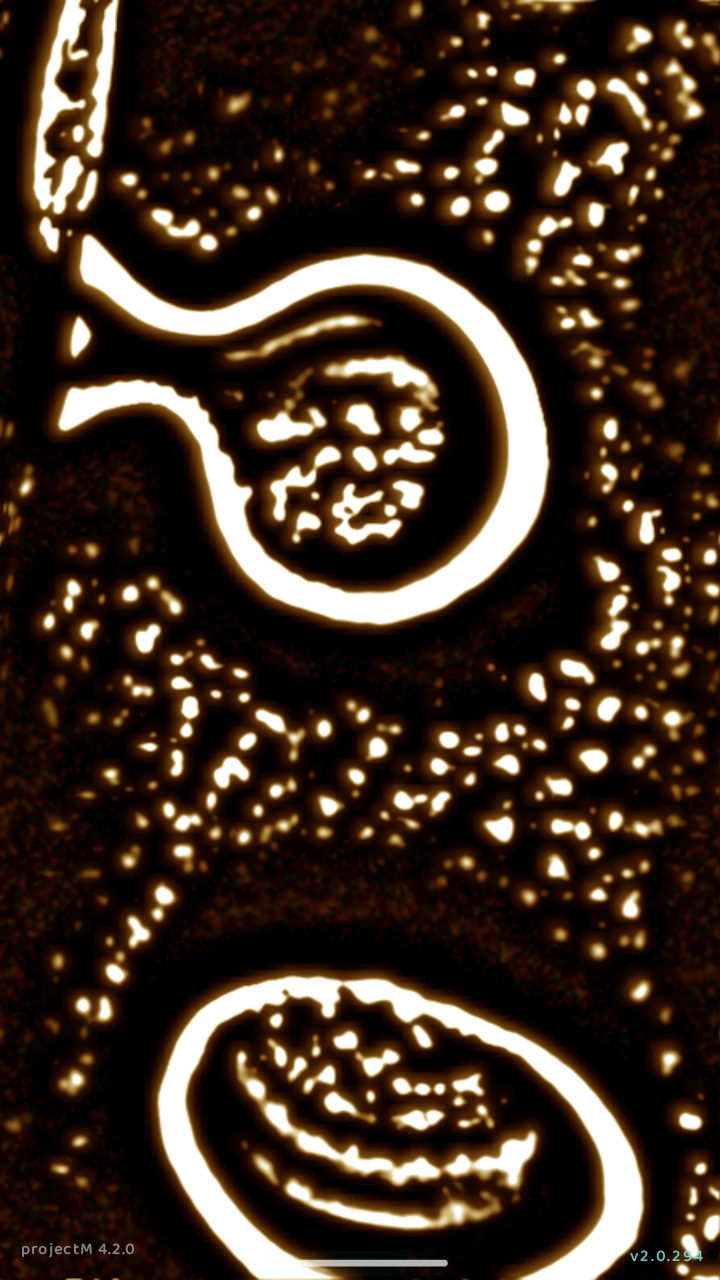
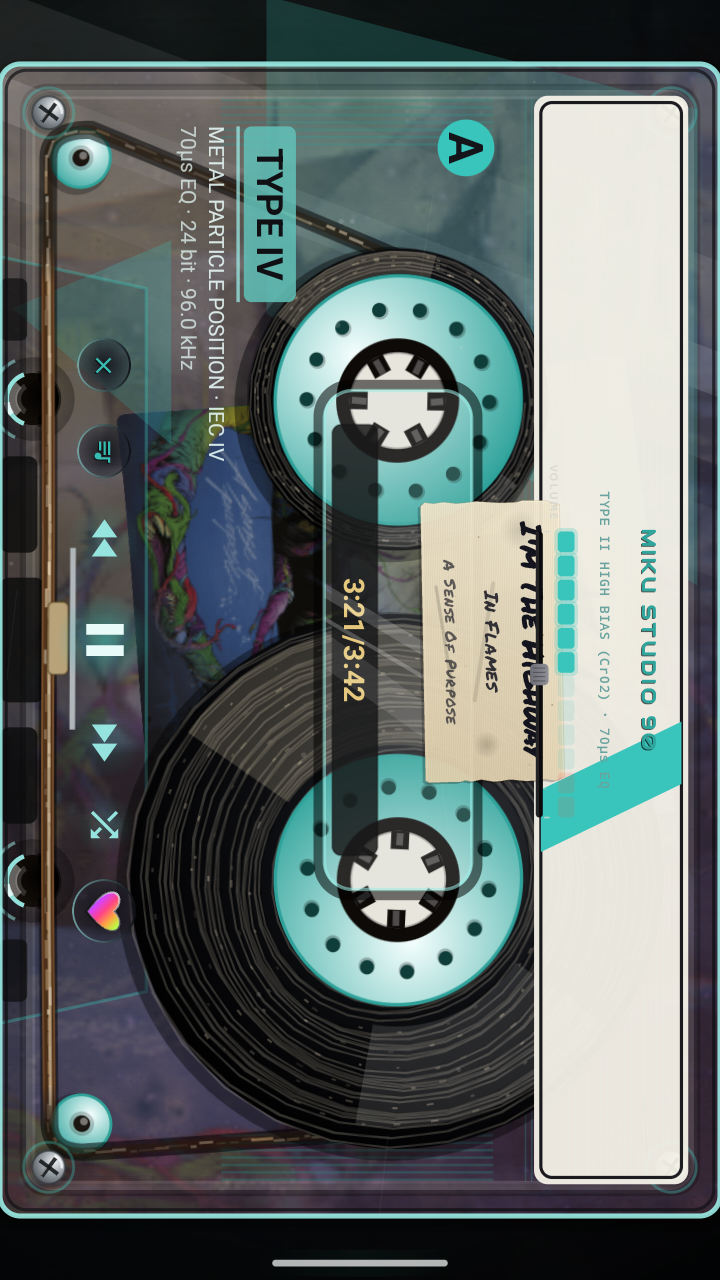
All 720x1280, captured from the running device. Tap one for full size.

What is verified

The line between what has been confirmed on a real M500 and what has not. Both READMEs open with the same table, and it is copied here as is.

ThingStateHow it was checked
Platform-signed apps, no rootConfirmedRunning daily. su is never invoked in the shipped code
Re-keyed system image bootsConfirmedKnown-good image from 2026-08-27, boot-verified
APEX re-signing to a custom keyConfirmedProven on com.android.mediaprovider, compressed .capex included
Bit-perfect DIRECT output to the DACsConfirmed44.1 / 48 / 96 / 192 kHz, 24-bit packed, checked with dumpsys
Gesture navigation replacing the stock nav barConfirmedAn accessibility service is the navigation on this device
OS-wide idle dim on real system brightnessConfirmedFour-tier ladder writing SCREEN_BRIGHTNESS
Fn-key pocket lock without rootConfirmedHiBy's framework honors button_lock; screen and buttons lock together
Camera used as an ambient light sensorConfirmedThe device has no light sensor at all; auto-exposure is read as a light meter
libprojectM 4.2.0 and the 80 Miku presetsConfirmedSelf-test on device: 90 tried, 0 failed
LDAC push pathNot provenThe code runs; no LDAC sink has ever been connected to it
WireGuard client in the launcherNot provenImplemented; the relay path for CGNAT is untested
Web installer (WebUSB fastboot)Not provenHosted below; not yet proven end to end on a device
Full AOSP-from-source buildNot provenDevice tree exists, the sync is unfinished
FM tunerDoes not workSELinux denies a platform_app access to /dev/radio0
Generic system imageDoes not workThe vendor mandates six legacy HIDL services Android 14 dropped
Kernel 5.15.209Does not workBreaks charging on this board; stock 5.15.153 stays

Miku Music

The player, and the part of the project most people will actually touch. It is a normal Android app that builds with Gradle. The launcher, system UI, settings and hardware controls live in the same repo because they share its theme, motion and audio code.

  • Bit-perfect sink for Media3, 16 / 24 / 32-bit integer PCM straight to the DAC
  • FLAC, ALAC, WAV, AIFF, DSF, DFF, MP3, AAC, OGG, Opus, gapless
  • CUE sheet splitting for whole-disc rips
  • Real libprojectM 4.2.0 with 80 presets written for the project
  • A cassette deck drawn from the IEC spec, with wow and flutter by tape grade
  • Last.fm scrobbling with an offline queue; the app never sees your password
  • Local listening stats and a taste engine that stay on the device

github.com/sworrl/MikuMusic

No root, on purpose

Every earlier attempt at this reached for Magisk. MikuOS does not. The framework and our apps are re-signed with a platform key you generate yourself, so the apps simply have the permissions instead of asking a root daemon for them.

That also retires the public AOSP test key the stock firmware signs its platform apps with, the one every Android developer already has.

The device

HiBy Digital M500 x Hatsune Miku edition, bootloader product khaje. Qualcomm SM6225, Android 14, 720x1280 panel. Dual Cirrus Logic CS43198, 3.5 mm single ended and 4.4 mm balanced, plus USB DAC out. No ambient light sensor, so MikuOS measures room light with the camera's auto-exposure.

Bought at retail and reviewed separately, stock firmware and all: the Falcon Technix M500 review.

Install

Flashing can brick your device. MikuOS is used daily on the author's own M500. That is a statement about one device, not a warranty about yours.

The web installer

A browser installer in the style of GrapheneOS's: plug the M500 into a PC, open the page in Chrome or Edge, and click through a wizard. Everything runs in the browser over WebUSB fastboot using fastboot.js by Danny Lin. No adb, no drivers on Linux or macOS, no backend.

Open the installer

Chrome, Edge or another Chromium browser on a computer. Firefox and Safari do not implement WebUSB.

Bring your own images

No firmware is hosted here. A MikuOS image is built on top of HiBy's stock firmware, and that firmware is theirs to distribute, not ours. The build scripts expect the copy you already own.

  1. Build the image with mikuos/build/build_mikuos_super.sh from the MikuOS repo.
  2. Hash it with tools/web-installer/make_release_manifest.py.
  3. In the installer, open Advanced and load release.json and the images from disk. Hashes are still checked before anything is written.

Or run the same thing from a terminal with flash_mikuos_keepdata.sh. The Flashing section of the README has the details that matter.

What the installer already handles

Contribute

This is a work in progress and help is genuinely welcome. Open an issue or a pull request at MikuOS or Miku Music.

What would help most, roughly in order:

  • Another M500. Everything is verified on exactly one device.
  • An LDAC sink, to prove or disprove the Bluetooth codec path.
  • A route to the FM tuner that works inside SELinux, or a definite answer that there is none.
  • A test run of the web installer on a second M500.
  • Real art from people who draw. See below.
  • More .milk presets for the visualizer.
  • Anywhere a number on screen is not measured. A report of one is as useful as a patch.

The house rule

Never display a value you did not measure.

No placeholder percentages, no bit depth inferred from a file extension, no BPM guessed from a title. If the data is not there, show a dash and say why. Several passes of this codebase have been spent removing exactly that kind of thing.

Beyond that: match the surrounding code, comment the why rather than the what, and if you work out a non-obvious platform behavior, write down what the platform actually does so the next person does not have to find it again.

Wanted: real art

Most of the Miku artwork in MikuOS right now was generated by an image model, and the rest came off the stock M500, which makes it HiBy's. Neither is where it should end up. If you draw and would like your work in an OS that a small number of people use every day on a music player, this is an open invitation.

  • Wallpapers at 720x1280, the panel's native resolution
  • A default album-art placeholder, square
  • A launcher icon theme, to replace HiBy's themed set
  • Lockscreen and always-on display art
  • Boot splash art

The terms, so there are no surprises: the project is GPL-3.0-or-later and non-commercial, and Miku art is a derivative of Crypton's character, so contributions need to sit within the Piapro Character License. You keep your copyright, you are credited by whatever name you want, and your work comes out any time you ask.

Open an issue The full ask

The people and projects behind the pieces

The hardware

HiBy Digital designed and built the M500 and its Hatsune Miku collaboration. The DACs are Cirrus Logic CS43198. If you want one, buy it from HiBy.

The character

Hatsune Miku is a character by Crypton Future Media, first released as a VOCALOID voice library, the singing synthesis technology from Yamaha. The official Hatsune Miku page and piapro are where the character and the fan community live, and piapro's guidelines cover fan works.

The software MikuOS stands on

libprojectM draws the visualizer. AndroidX Media3 does playback. fastboot.js talks to the bootloader from the browser, and GrapheneOS's web installer is the model the installer follows. Last.fm takes the scrobbles. Every font, library and vendored source tree, with its license, is listed in ATTRIBUTIONS.md in MikuOS and Miku Music.